
If you’re an Amazon seller trying to list a product and keep getting blocked because your brand name isn’t recognized you’ve just run into the Amazon whitelist problem. This guide explains exactly what Amazon whitelist is, why it exists, and how to get your brand approved through Amazon brand whitelisting so you can list products without delays.
For sellers who source products from China and ship globally, getting past this hurdle is just the first step you’ll also need reliable FBA prep services to make sure your inventory is Amazon compliant before it ever reaches a fulfillment center.
Quick Answer: What Is Amazon Whitelist?
Amazon whitelist is the process of getting your brand name verified and approved by Amazon so you can list products under it. It is designed for sellers who own a registered trademark but are not enrolled in Amazon Brand Registry. Without whitelisting, sellers encounter Error Code 5665 when trying to bulk upload inventory.
Why Amazon Whitelist Matters for Sellers
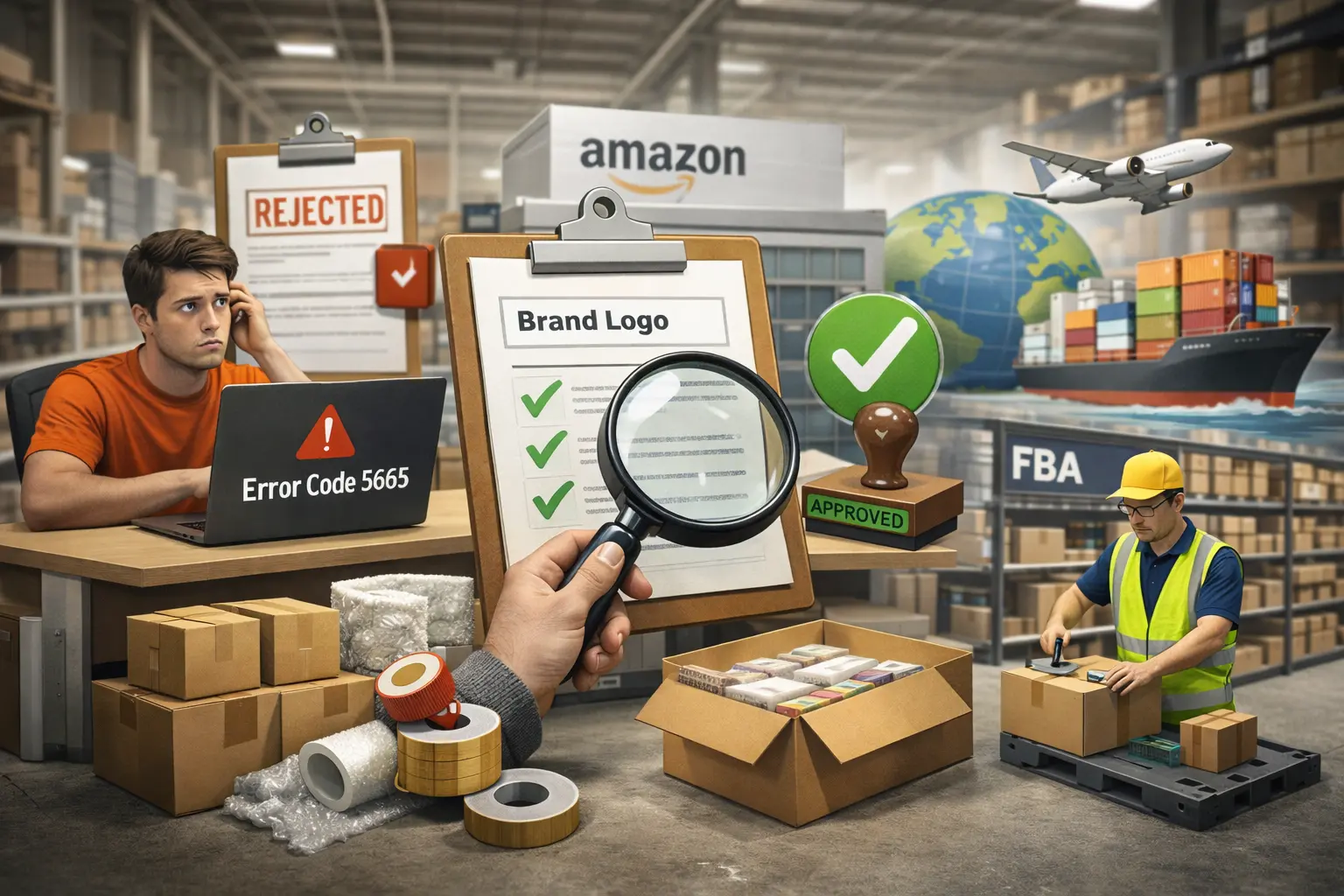
Amazon requires every brand name on its platform to be verified. If you own a trademark but haven’t gone through Amazon Brand Registry, Amazon’s system won’t recognize your brand and it will block your listings.
The Amazon whitelist solves this. Once your brand is whitelisted, Amazon adds it to their verified brand database, and you can upload products freely under that name without triggering errors.
This is especially common for sellers who:
- Own a registered trademark (TM) but are not in Amazon Brand Registry
- Source private label products from China and list under their own brand
- Are launching a brand on Amazon for the first time
- See Error Code 5665 when trying to bulk upload inventory files
- Cannot add or update a brand name on new or existing listings
If you’re already selling or plan to start dropshipping from China, getting your brand whitelisted early prevents listing delays and keeps your supply chain moving without interruption.
What Is Amazon Error Code 5665?
Error Code 5665 is what triggers the need for Amazon brand whitelisting. It appears during bulk inventory uploads when Amazon cannot verify the brand name in your file.
The error message reads:
“The brand name you have provided is not registered. Please check the value you entered and re submit. If your brand is a new brand, please open a support case to have your brand name whitelisted.” (Error Code: 5665)
This is not a permanent rejection. It is simply Amazon asking you to prove you own the brand. The Amazon whitelist process is how you do that.
What You Need to Get Whitelisted on Amazon
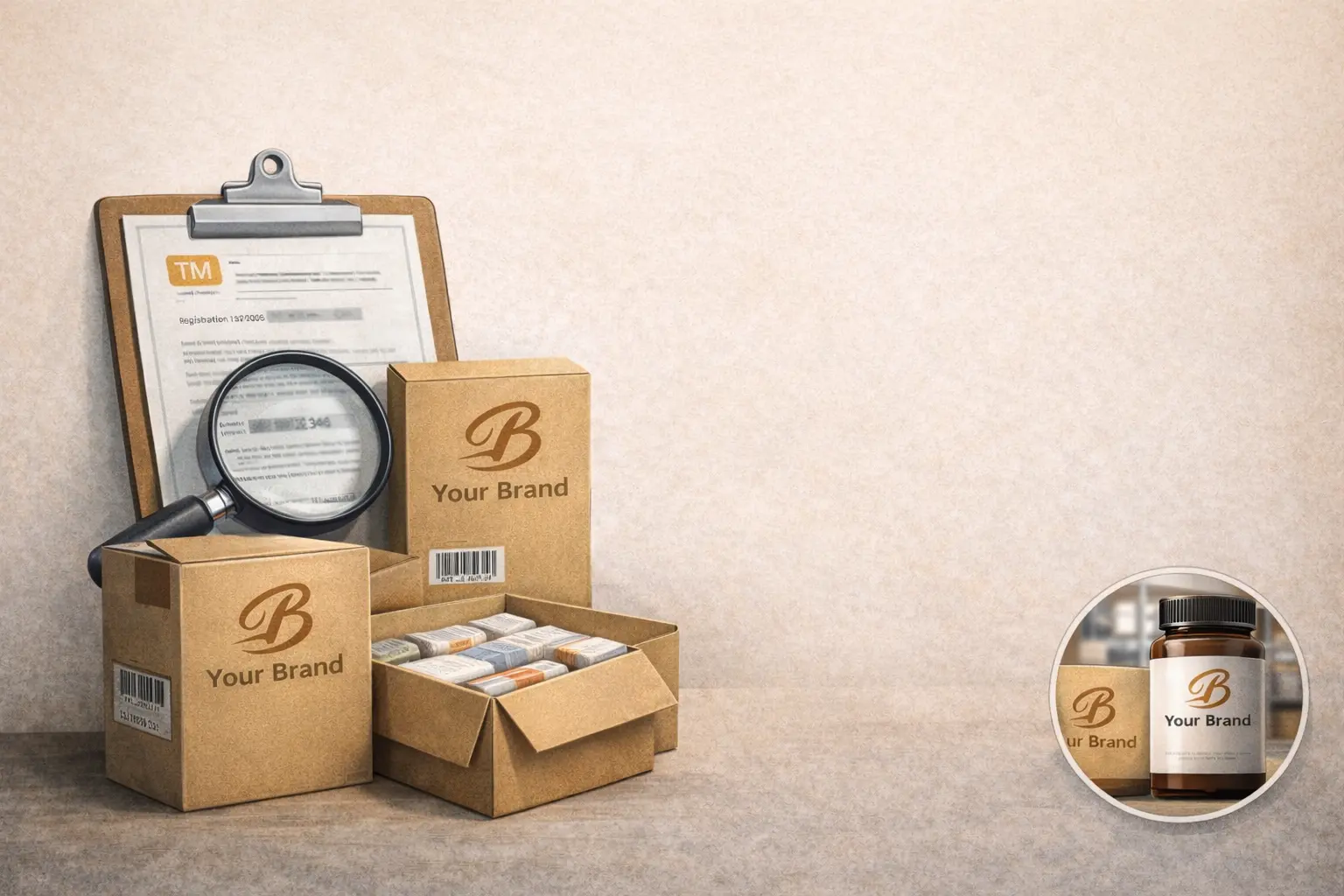
Gather everything below before opening a case. Missing documents are the number one reason whitelisting requests get delayed or rejected.
|
Requirement |
Details |
|
Brand Name |
Exact name matching your trademark |
|
Lot/Batch Number |
From your inventory Error 5665 file process report |
|
Product Image with Logo |
Clear photo of the product with logo visibly displayed |
|
Packaging Image with Logo |
Packaging showing logo, brand name, and batch number |
|
Trademark Evidence (Recommended) |
Registration number or copy to strengthen your case |
How to Get on the Amazon Whitelist: Step by Step
Getting on the Amazon whitelist requires two stages generating the error report first, then opening a support case with your documents.
Stage 1: Trigger the Error Report via Bulk Upload
- Log in to Amazon Seller Central and go to the Inventory menu in the top navigation.
- Click “Add Products via Upload” (also called “Bulk Upload Products”).
- Click “Download an Inventory File Template” and select your product category.
- Fill in the template completely. Enter your brand name in the Brand Name field exactly as it appears on your trademark.
- Upload the file. Even if it fails, this creates the error report you need.
- Go to “Monitor Upload Status”, locate your file, and download the error report. It will show Error Code 5665 alongside your brand name.
- Save this report carefully. You will need the lot/batch number when opening your support case.
Stage 2: Open an Amazon Support Case for Whitelisting
- In Seller Central, click the help icon (?) in the upper-right corner.
- Click “Get Support” under “Need More Help?”
- Select “I want to open a store” this routes your case to the brand and listing team.
- Click “Or use the menu to find your issue” and navigate to: Products and Inventory > Product and Listing > Listing Creation.
- In the description field, enter: “Inventory file upload problem Error Code 5665” and your brand name.
- Choose Email as your contact method this lets you attach files and creates a trackable paper trail.
- In your message, state your brand name, include the lot/batch number from the error report, and confirm you hold the trademark but are not currently in Brand Registry.
- Attach your product photo (logo clearly visible), your packaging photo (logo, brand name, and batch number all visible), and any trademark registration documents.
- Submit the case. Amazon typically responds within 3–5 business days.
Pro Tip: Always choose email over live chat. It creates a reference trail, lets you attach multiple files at once, and makes escalation easier if your first submission is declined.
What Happens After You Submit?
Once you’ve submitted your Amazon whitelist request, here’s what to expect:
- Amazon’s team reviews your documentation, product images, and packaging photos
- If approved, your brand is added to Amazon’s verified database typically within 3–5 business days
- You’ll receive a confirmation email then re upload your inventory file and Error 5665 will be resolved
- If rejected, read the feedback carefully. Most rejections are caused by unclear logo photos, a brand name that doesn’t exactly match the trademark, or missing documentation. Resubmit with corrected materials.
Important: Check for Trademark Conflicts Before You Apply
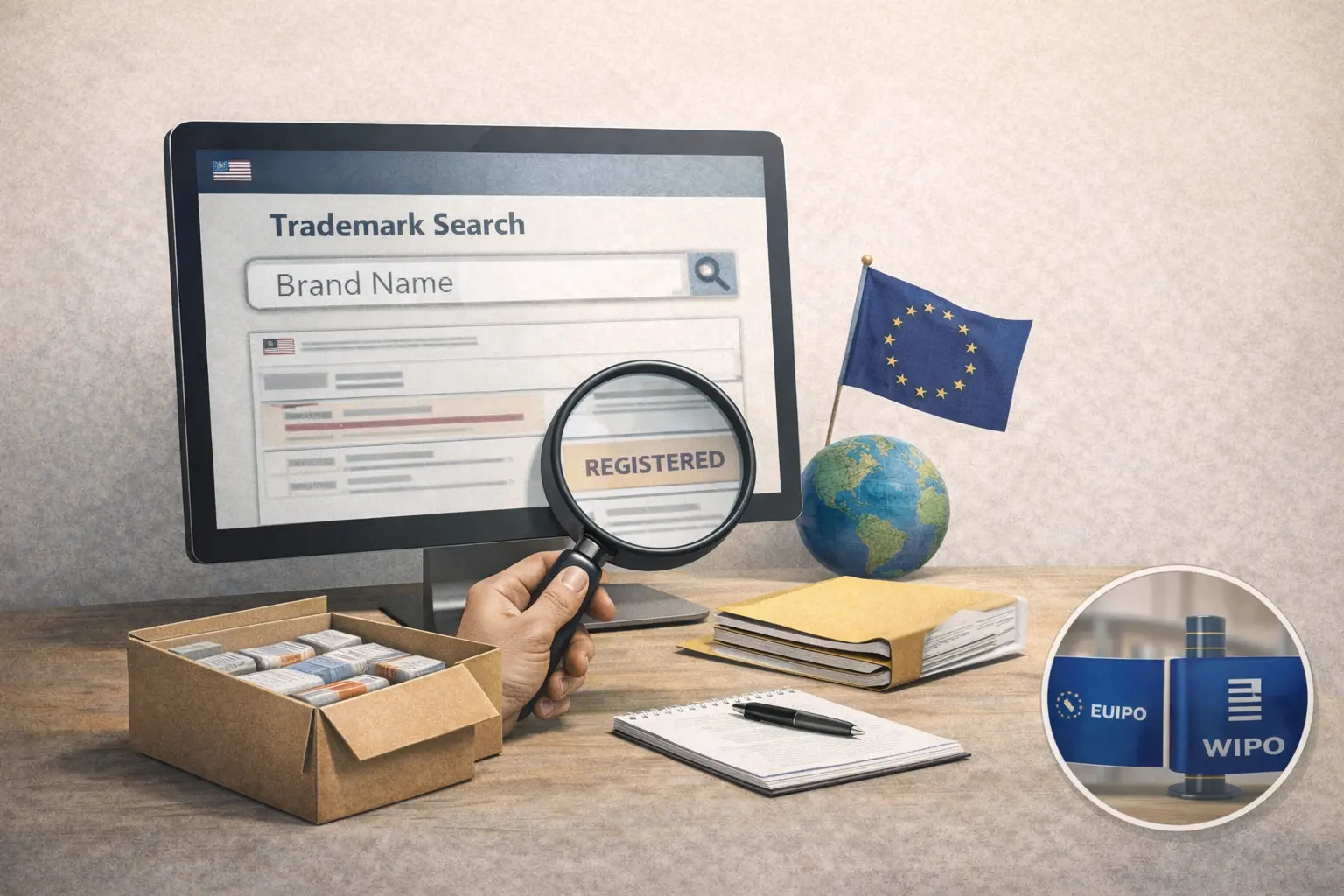
Before submitting any brand for Amazon whitelisting, you must confirm that your brand name doesn’t conflict with an existing registered trademark. This is a legal requirement, not optional.
Use the USPTO Trademark Search database to check if your brand name is already registered or pending in the US. For international sellers, also check the EUIPO (European trademarks) and the WIPO Global Brand Database for international registrations.
Selling under a conflicting trademark can lead to listing removal, account suspension, and legal liability. If you’re unsure, consult a trademark attorney before proceeding.
Amazon Whitelist vs. Amazon Brand Registry: Key Differences
Sellers often confuse these two. They are not the same thing.
|
Feature |
Amazon Whitelist |
Amazon Brand Registry |
|
Purpose |
Get brand approved to list products |
Full brand protection on Amazon |
|
Trademark Required |
Yes (TM or registered) |
Yes (registered trademark only) |
|
Protection Level |
Listing access only |
Full brand enforcement tools |
|
Anti-Counterfeit Tools |
No |
Yes |
|
A+ Content Access |
No |
Yes |
|
Brand Store |
No |
Yes |
|
Best For |
Quick fix to list products |
Long term brand building |
Amazon whitelist is the short term bridge it removes your listing blocker fast. But if you’re building a serious brand, apply for Amazon Brand Registry once your trademark is fully registered to unlock full brand protection.
How Fulfillmen Helps Amazon Sellers After Whitelisting
Getting your brand whitelisted is the start, not the finish. Once your listings are live and orders start flowing, your fulfillment operation needs to be ready to keep up.
Fulfillmen is a China based 3PL fulfillment center built specifically for Amazon sellers and eCommerce brands:
- 90 days free warehouse storage — keep inventory close to your manufacturers in China
- FBA Prep Services — FNSKU labeling, bundling, and Amazon-compliant packaging handled for you
- Global direct-to-consumer shipping — dispatch via DHL, FedEx, UPS, USPS, and more
- Dropshipping services — sell without holding stock; we ship directly to your buyers
- D2C Procurement — we source products, apply your branding, and fulfill orders end to end
Ready to scale your Amazon brand? Fulfillmen manages your FBA prep, warehousing, and global shipping so you can focus on growing. Get 90 days free storage when you sign up. Get a Free Quote → fulfillmen.com/contact-us
Frequently Asked Questions
What is Amazon whitelist for sellers?
Amazon whitelist is the process of verifying and approving a brand name so an Amazon seller can list products under it. It is required for sellers who own a registered trademark but are not enrolled in Amazon Brand Registry. Without whitelisting, these sellers receive Error Code 5665 when trying to upload inventory in bulk.
How long does it take to get whitelisted on Amazon?
Getting on the Amazon whitelist typically takes 3 to 5 business days after submitting a complete Seller Support case with all required documents including your brand name, lot number from the error report, and clear product and packaging photos showing your logo.
Can I get on the Amazon whitelist without a trademark?
No. Amazon requires proof of brand ownership to whitelist any brand name. This means you need either a registered trademark or an in progress trademark application. Without it, your whitelisting request will be declined.
What is the difference between Amazon whitelist and Amazon Brand Registry?
Amazon whitelist only allows you to list products under your brand name by resolving Error Code 5665. Amazon Brand Registry is a separate, more comprehensive program that gives you brand protection tools, anti counterfeit enforcement, A+ Content, and a Brand Store. Both require a trademark, but Brand Registry requires full trademark registration.
What images do I need for Amazon brand whitelisting?
You need two images: first, a clear photo of your product with your brand logo visibly displayed; second, a photo of your product packaging clearly showing your logo, brand name, and lot or batch number. Both photos must be high resolution and unedited.
Do I need a separate Amazon whitelist for each marketplace?
Yes. Amazon whitelist approval is marketplace specific. If you sell on Amazon.com, Amazon.co.uk, and Amazon.de, you need to submit separate whitelisting requests for each marketplace.